
There are few reasons your security camera is blurry at night. They occurs due to several factors that incredibly common, but the good news is that is easy to fix.
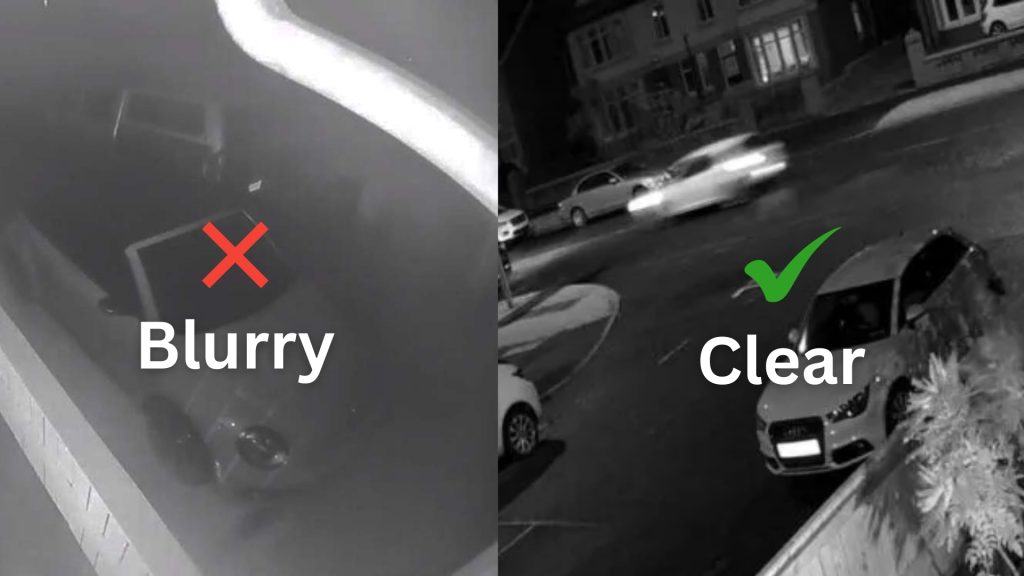
This article will first explain the few reasons behind your blurry night vision and then give you a simple, step-by-step checklist to transform your footage from useless to crystal clear.
5 Real Reasons Your Night Vision is Blurry
Before diving into the fixes, it helps to understand why this happens. It’s usually not just one thing, but a combination of these common factors:
1. Dirty Lens
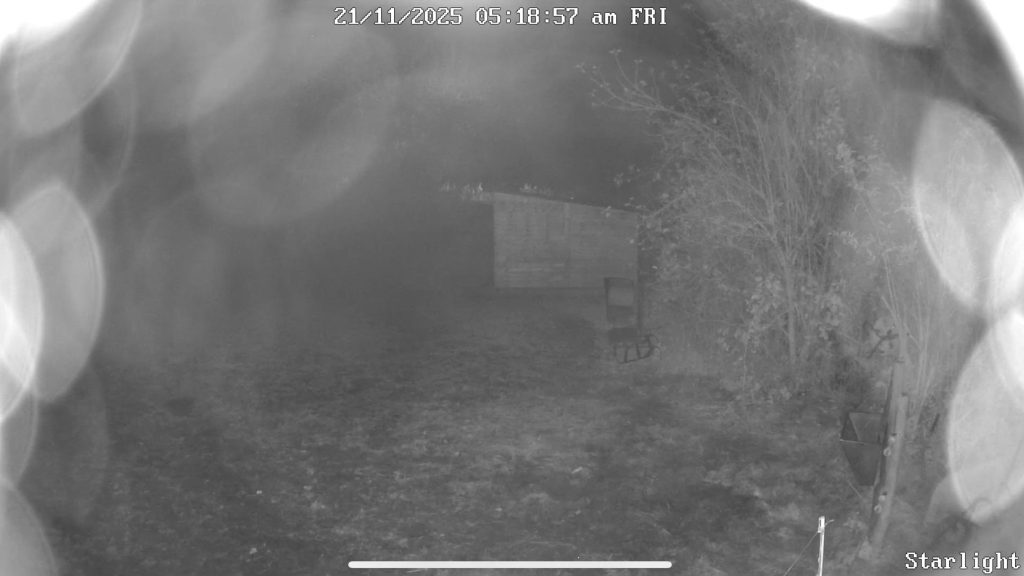
Regular maintenance is one of the way to keep your CCTV quality. Problems like dust buildup on the lens can mess up your video quality. These issues become even more pronounced in challenging environments, producing blurry or unclear footage.
To combat this, you should establish a regular schedule so you can avoid unnecessary cost to be spent in the future. Hence, it will preserves the integrity of your security footage.
2. IR Reflection
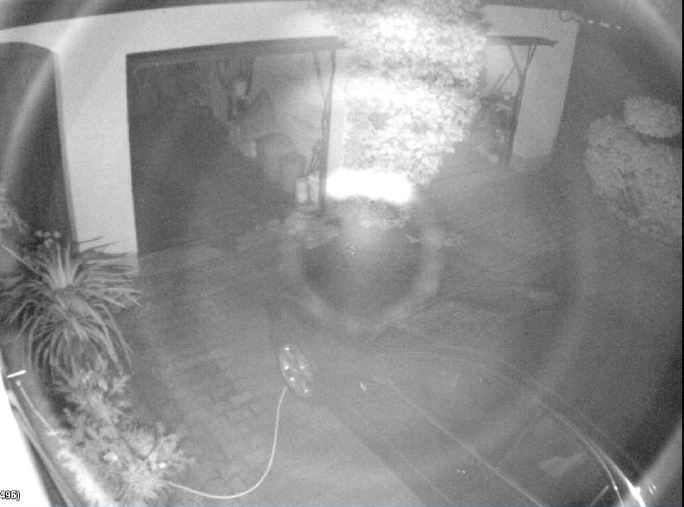
That bright white spot or haze in your nighttime footage is IR reflection, where the camera’s own infrared lights bounce off a nearby surface like a wall or window and blast directly back into the lens. This overwhelms the sensor and creates a washed-out area that obscures crucial details.
3. Incorrect Camera Placement
Proper camera placement and angle are foundational to capturing clear, usable footage. The primary rules are to avoid reflective surfaces like windows and shiny metal to prevent blinding glare from IR lights or the sun, and to never position a camera where strong light is behind the subject, as this creates silhouettes.
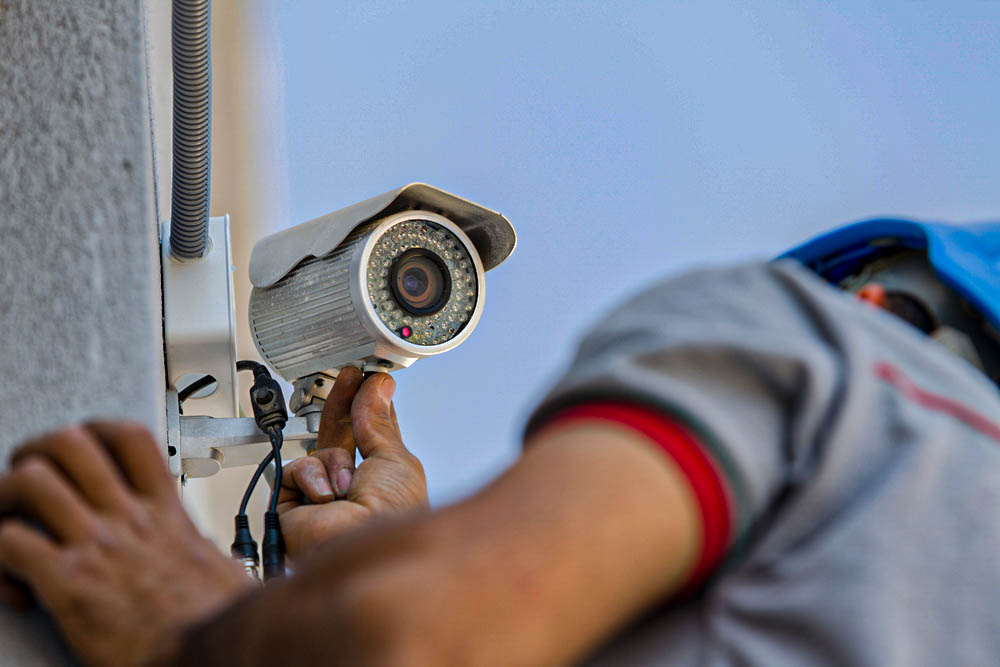
A camera’s advanced features are irrelevant if it’s pointed at a wall, blinded by glare, or simply too far away to see the action it’s meant to monitor.
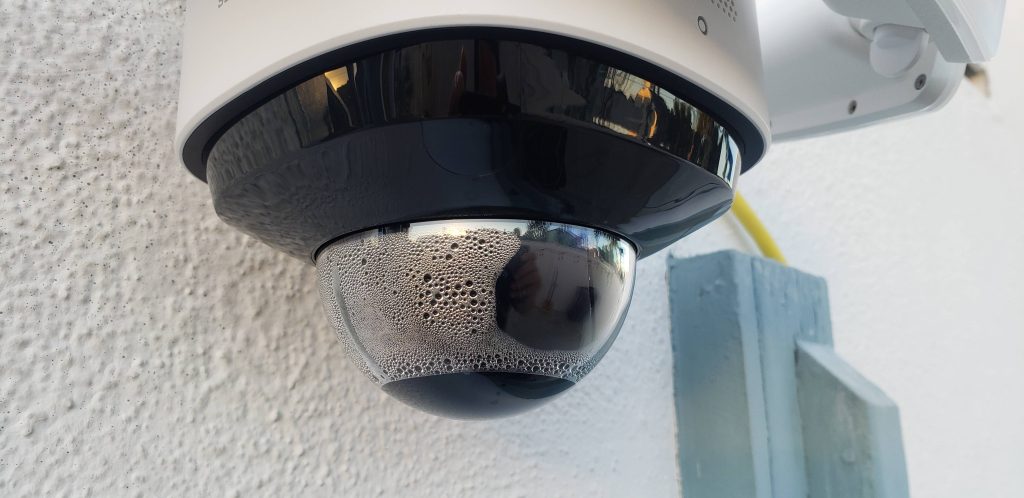
4. Moisture or Condensation
Moisture, in the form of condensation, rain, fog, or frost, is a destroyer of CCTV image quality, particularly at night. When water droplets form on or inside the camera’s protective dome, they act like thousands of tiny lenses that scatter and distort light. At night, the effect is catastrophic.
The glowing haze that completely washes out the scene. Thus, do a simple lens check into your seasonal maintenance so later you can see the difference between a clear evidential record and a worthless foggy mess.
5. Scratched Lens or Cover
A scratched lens or protective dome catastrophically degrades video quality, especially at night. Each scratch will creating glare, haze, and a loss of contrast. This effect is magnified after dark when the camera’s own infrared light bounces chaotically off the imperfections, producing a washed-out image where critical details are completely lost.
How To Fix Your CCTV When It Is Blurry?
1. Clean Your Camera Lens
Simply wipe the lens and surrounding housing with a dry, soft microfiber cloth. For stubborn dirts, dampen the cloth with distilled water. Never use paper towels, window cleaner, or abrasive materials, as these can create micro-scratches that permanently degrade image quality.
2. Check for IR Reflection
For this you need to look for bright white spots or a general hazy glow. Then, physically adjust the camera’s angle. Tilt it slightly downward or sideways so that its IR lights project outward into the open area you want to monitor. Even a 5-degree adjustment can make the blinding haze disappear entirely.
3. Check For Any Moisture Build-Up
For external moisture, wipe the CCTVcamera carefully. For internal condensation, power down the camera and place a small packet of silica gel inside the housing to absorb humidity (if accessible).
Ensure all weatherproofing seals are intact. As a permanent solution, verify your camera has at least an IP66 weatherproof rating and consider adding a simple rain shield or “brim” above it.
4. Ensure Camera Placement
For identifying faces, ensure the camera is no more than 15-20 feet from where people will walk. Mount it 8-10 feet high, angled slightly downward. This provides a good balance of a broad view and a usable facial angle.
Most importantly, ensure the primary area you need to see is well within the camera’s advertised IR range.
5. Consider A Camera Upgrade
If you still face with blurry footage, you must consider an upgrade to your CCTV camera. Modern cctv cameras with advanced components consistently deliver superior nighttime clarity. Look for a model with 4K resolution to capture critical detail. Prioritize cameras that offers low-light technology, as these systems actively reduce noise and enhance details that standard cameras lose in the dark.
Quick Recommendation: Hikvision CCTV Camera with ColorVu Technology
End Note
Knowing the reasons your security camera is blurry at night means you can take control of your CCTV camera and ensure it give you the clear identifiable footage you need. It’s a strategic investment for your property’s future. By embracing this tips, you do more than just stuck with the same old problem.
Upgrade your cctv camera today with CCTV Security System and let your footage is bright and clear!
For more details, contact us for a consultation. We provide installation for CCTV Camera.